Edit your profile and avatar
Make your workspace feel like yours.
 By the PromptBots team
Updated Sep 24, 2026 · 1 min read
Open your profile
Log in and go to Profile & settings. Your profile is private to your account in the local preview.
Update your details
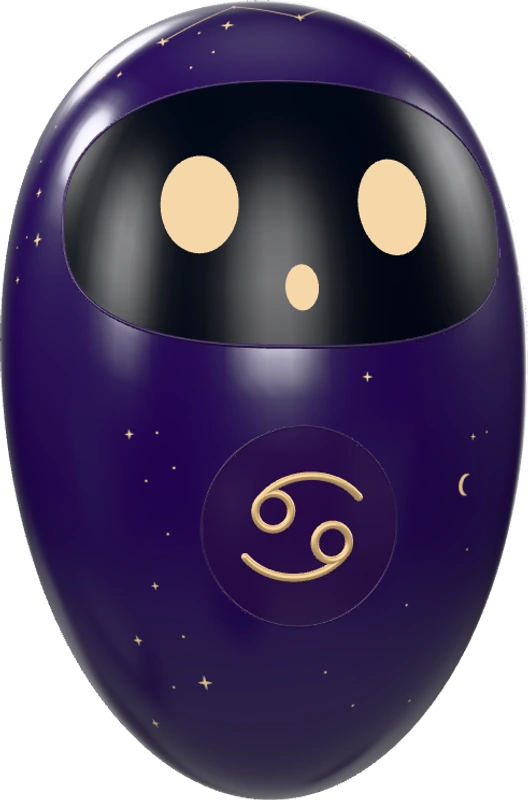
Edit your name, choose an approved bot avatar, set your preferred AI, or add a short project description. Save your changes and check the confirmation.
Email address
Your email address is shown as read-only. Email changes and email verification are not available in the current preview.
Was this article helpful?
Your response is saved on this device.
Explore more articles in Account & settings